
Launch Elements is a set of Custom Elements that make it easy to add dynamic features to a static website. You can think of them as a set of "universal plugins" that work regardless of hosting environment, platform, or technology. This repo contains the server side event handling code in Elixir and the front end TypeScript code for the custom elements.
The <launch-cart> element lets you easily add interactive ecommerce to a static html website. Currently it uses Stripe for the back end payment and product data. Other backends will be supported in the future.
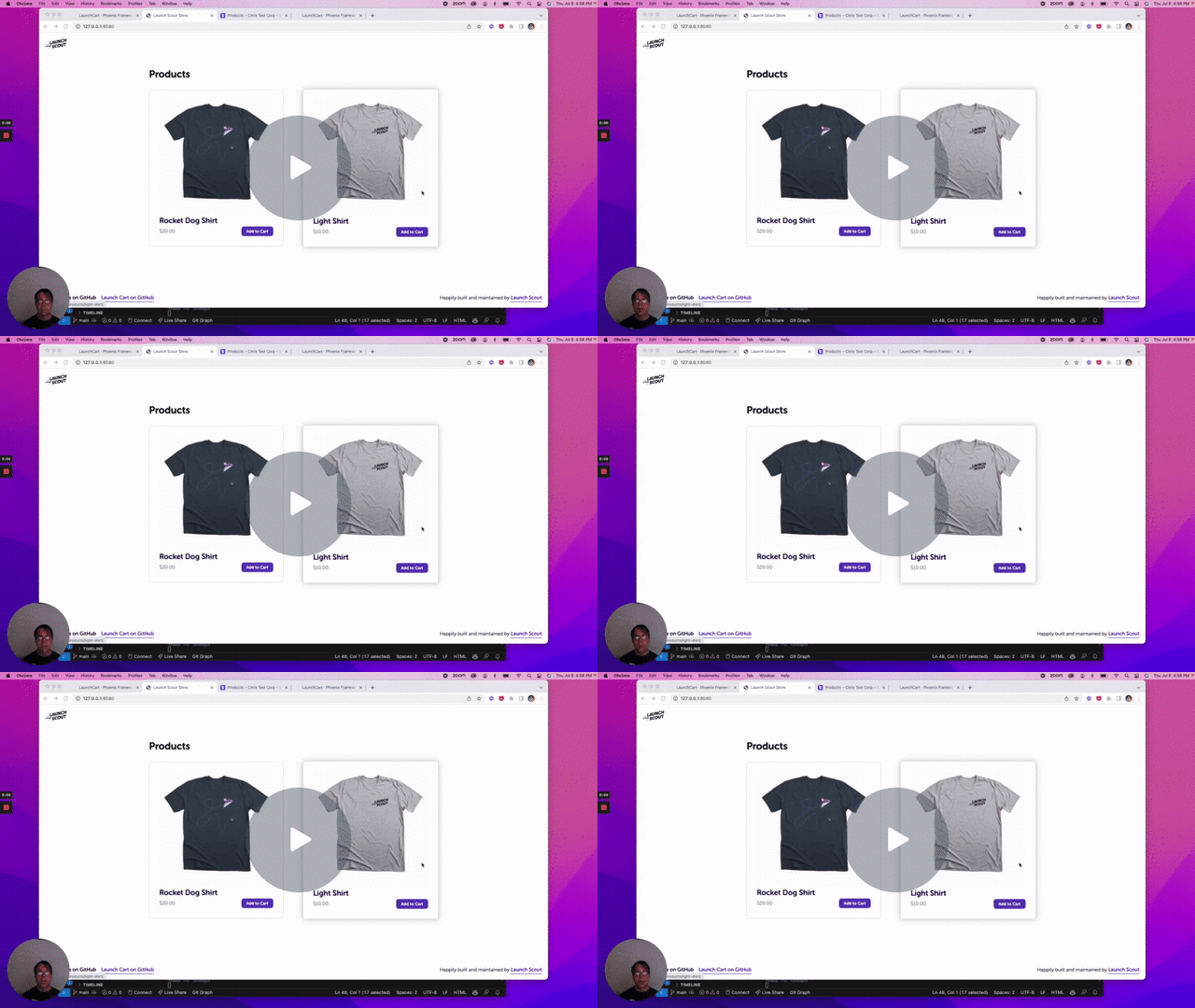
The easiest way to use Launch Elements is the hosted environment at https://elements.launchscout.com. Currently we are in active beta. Use the registration form to sign up and we'll get you going.
Launch Elements uses Elixir 1.20.5, Erlang/OTP 29.0.6, and Node.js 24.18.0, pinned in .tool-versions. Install them with mise install (or your preferred version manager). PostgreSQL must be running locally with the postgres user and postgres password.
To start your server:
- Install dependencies with
mix deps.get - Install and build browser assets with
npm ci --prefix assets - Generate the custom element manifest with
npm run analyze --prefix assets - Create and migrate your database with
mix ecto.setup - Start Phoenix endpoint with
mix phx.serveror inside IEx withiex -S mix phx.server
Now you can visit localhost:4000 from your browser.
Install Google Chrome and a matching chromedriver on your PATH, then run:
mix test
npm test --prefix assets
mix test creates and migrates launch_cart_test and runs the full suite, including browser features. If Chrome is installed outside the default location, set CHROME_PATH when running either test suite. You can also set CHROMEDRIVER_PATH for the Elixir browser tests.
CI runs the Elixir and JavaScript test suites on pushes and pull requests. It provisions PostgreSQL and matching Chrome/ChromeDriver versions. Pushes to main deploy to Fly after both test suites pass.